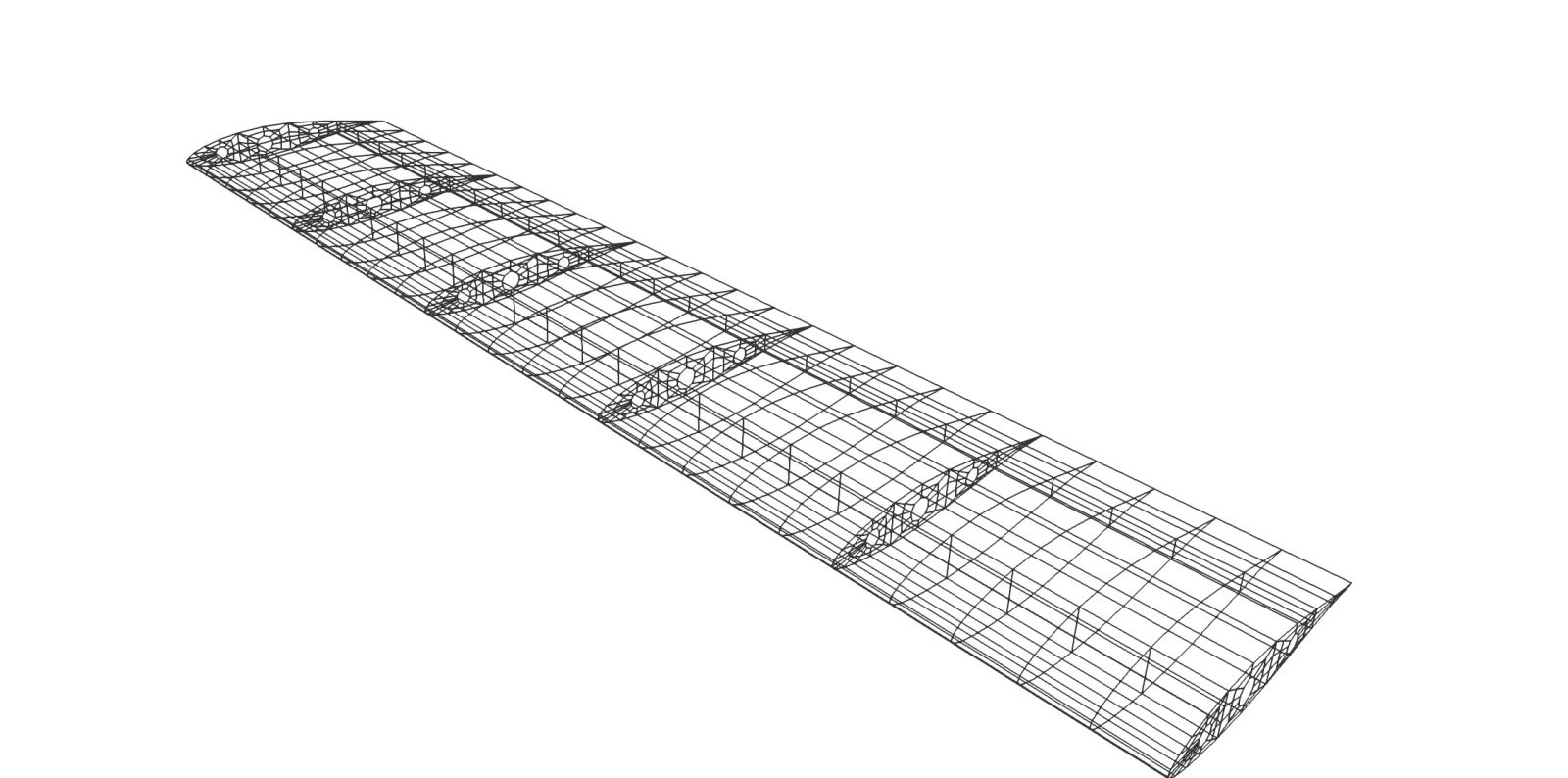
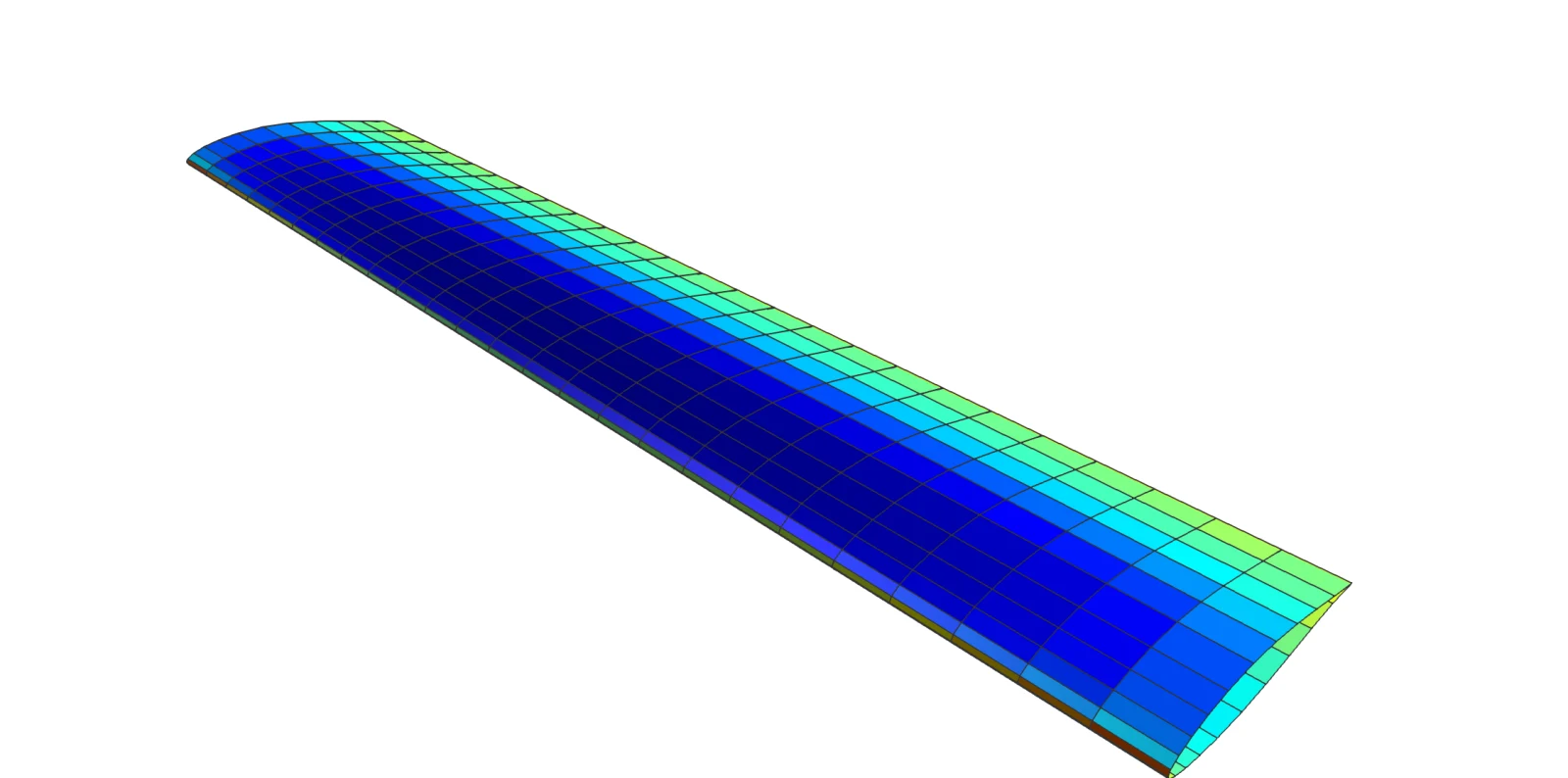
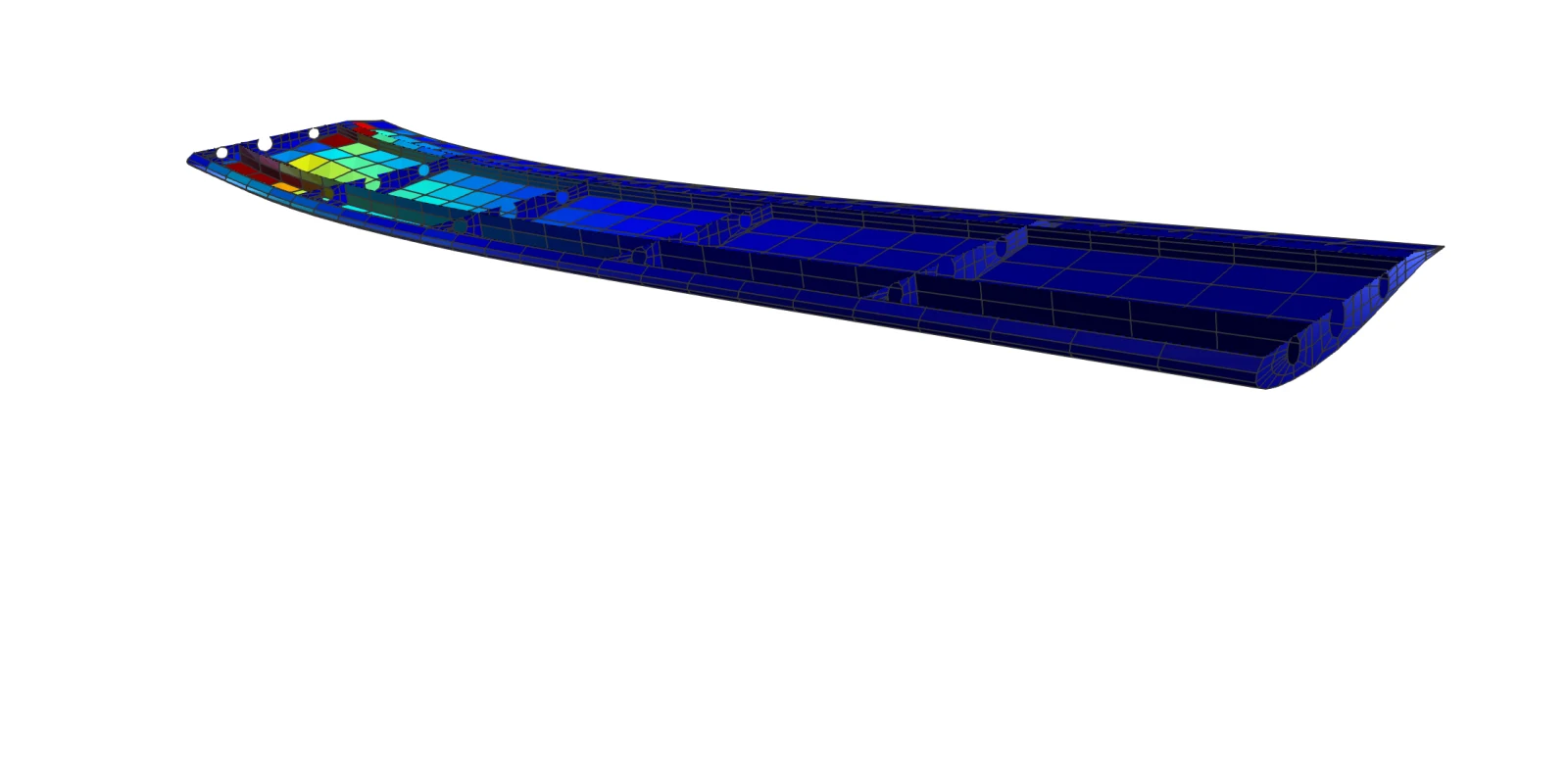
Conceptual design asks many questions quickly: is this spar layout stiff enough, where does the wing buckle, what happens to the lift when it bends? AirFrame is built to answer them on simple models, in seconds, and to hand the model on to the tools of detailed design when it is ready for them.
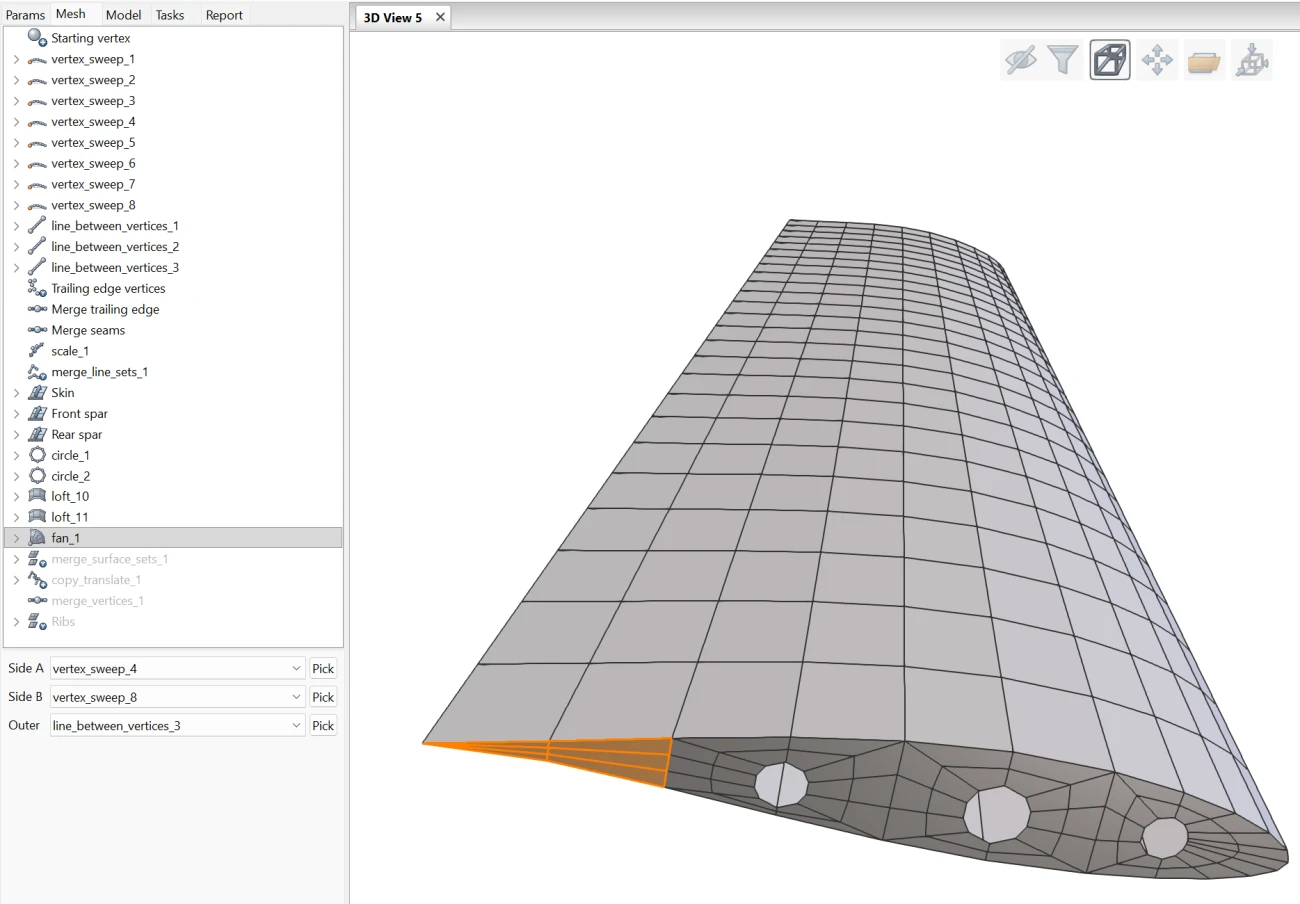
Import a mesh, or build one that stays editable
A mesh can be imported from the common formats. It can also be built inside AirFrame, and then it is parametric: made of operations such as extrude, loft, sweep, copy, mirror and merge, kept in a tree. Change a parameter, a curve or an airfoil, and everything after it is rebuilt.
- Import of Nastran bulk data (.bdf) and Abaqus input (.inp) files
- Parameters and curves, with airfoil import
- Vertex, line, surface and volume elements, grouped in named sets
Not an aerospace engineer? Read on!
If you can draw in CAD or set up a 3D print, you can learn to check a simple structure before you build it. AirFrame will help you.
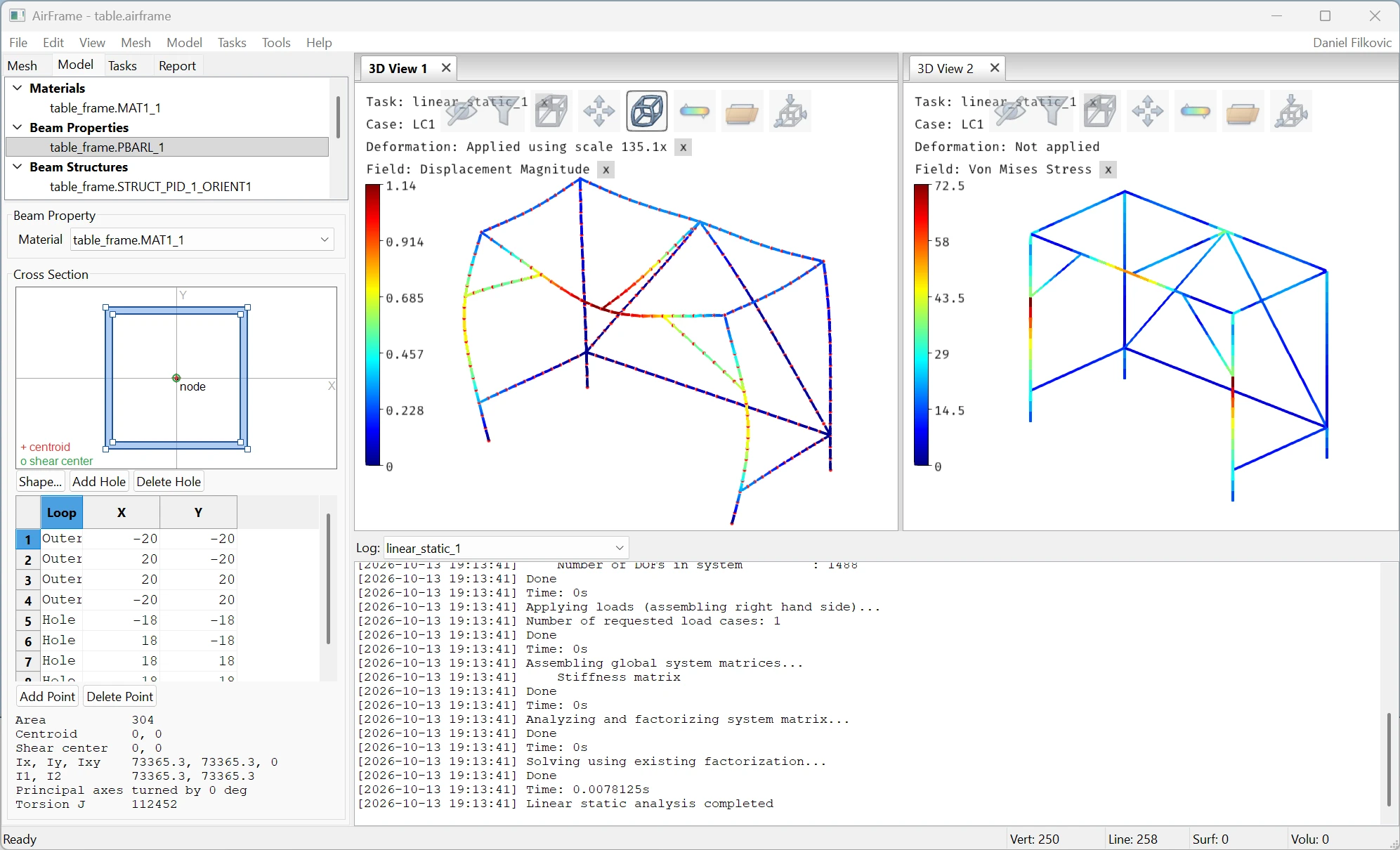
- A plain interface that follows the work: build the mesh, describe the model, run a task, read the result
- A beam is defined by drawing its cross section. No need to risk calculating the section properties by hand
- Use the Python API and AI to fit the analysis to your own case (see the details below)
Free for non-commercial and academic use.
import numpy as np
import AfemeCorePython as afeme

with afeme.AFEME() as solver:
    # aluminium, a shell 2 mm thick
    solver.addMaterial(70e9, 0.33, 2700)
    solver.addShellProperty(material=0, thickness=0.002)

    # a plate of two elements
    solver.storeNodes(np.array([
        [0.0, 0.0, 0.0], [0.1, 0.0, 0.0],
        [0.0, 0.1, 0.0], [0.1, 0.1, 0.0],
        [0.0, 0.2, 0.0], [0.1, 0.2, 0.0]]))
    solver.addQuadElement(0, np.array([0, 1, 3, 2], dtype=np.int32))
    solver.addQuadElement(0, np.array([2, 3, 5, 4], dtype=np.int32))

    # boundary conditions: one end clamped
    for node in (0, 1):
        for dof in range(6):
            solver.addConstraint(node, dof)

    # load: 5 N down on each node of the free end
    solver.addForce(4, 2, -5.0)
    solver.addForce(5, 2, -5.0)

    solver.runLinearStatic()
    print(solver.getDisplacementValue(4, 2, 0))
Your own workflow, in Python or C++
AirFrame is one way to use the solvers, not the only one. Apame, Afeme and MeshBuilder are libraries. Call them from your own Python script or C++ program and you decide everything: how the model is built, which cases are run, what is done with the results. Sweep a parameter over a hundred variants, couple the solvers your own way, or build your test cases into a larger tool.
- Three libraries: Apame for aerodynamics, Afeme for structures, MeshBuilder for the mesh
- Python modules that work with NumPy arrays, and C++ headers
- Solvers that run from a text file on the command line, for work in batches
- Usage samples, among them the two solvers coupled by hand
- Export of an AirFrame model to Nastran bulk data (.bdf) and Abaqus input (.inp) files
The interface is small and regular, which makes it a good fit for an AI assistant. Describe your structure in plain words, let the assistant write the script that builds the mesh and runs the task, then read the script and the result yourself. An assistant makes mistakes as a person does, so the rule above applies twice: check before you rely on it.
Scripts use the same account and license as AirFrame. The Python modules offer everything the C++ interface does, every analysis included. The API reference describes every call, for C++ and for Python.
How to start
- Register and confirm your e-mail address. The trial license starts then and covers every analysis.
- Download the package, unpack it anywhere and start AirFrame. There is no installer.
- Log in from the Account menu of AirFrame. Opening and saving projects and viewing results never need a license; running an analysis or exporting does.
Every license includes everything. A license only limits how many tasks can hold a solver at the same time, so a larger team or a heavier workload needs more units, not another product.
Early stage, work in progress
AirFrame is in pre-alpha. It is used daily by its author and is now opened to testers, but it is not finished: not everything described on this page is complete, some things do not work yet, and anything can still change, including the interface, the file formats and the terms of the licenses.
Expect rough edges, keep copies of your work, and please report what you find. The program runs on Windows; the solvers also run on Linux.
Current build: Windows 20261017.